bdt23 App Download for Android: Install the APK in Minutes
The bdt23 app is a 58 MB Android package that puts the whole lobby on your phone: slots, live dealer tables, crash rounds and cricket markets. Version 2.2.6, free, built for Android 7.0 and newer. Tap the button, install the file, then log in with the same number and password you already use on the site.
Using an iPhone? Jump to the home screen steps.
- 18+ · Play Responsibly
- SSL Encryption
- 24/7 Live Chat
- bKash · Nagad · Rocket
Scan with your phone camera to open this page.
- One tap to the cashier. bKash and Nagad deposits from ৳100, withdrawal requests from ৳900.
- Small file. 58 MB, installs straight over an older copy without losing your login.
- Same account. No second sign-up, no new password, same balance on phone and laptop.
What the App Asks For, and What It Never Touches
One source only: this page
The installer linked here is the package we build and sign. Copies passed around Facebook groups, Telegram channels or file-sharing sites can be opened up and repacked with extra code, and they will not install over a properly signed copy. If a friend sends you a file, delete it and get the real one from this page.
Storage and notifications, nothing else
Android asks for file storage so the lobby can keep game art on the phone instead of fetching it every round. Notifications are optional and only used for withdrawal updates and match reminders. We do not request contacts, SMS, call logs or your photo gallery, and saying no to notifications blocks nothing.
Money moves through the same gateway
bKash, Nagad, Rocket and bank transfer are handled by the payment gateway you already use on the website. The app never stores your wallet PIN. Each deposit and withdrawal is confirmed inside the wallet's own screen, so even someone holding your unlocked phone cannot move money without that PIN.
Login protection you control
Sign-in, password reset and device sessions work exactly as they do in the browser. On a shared phone, open the profile tab and log out when you finish playing. The account is for players aged 18 and over, and our support team never asks for your password in chat.
Phone App or Browser: Pick the One That Fits Your Day
Both doors lead to the same lobby, the same balance and the same limits. The difference is how they behave on a phone you carry around all day, especially when the data package is thin or the screen is small.
| What you are doing | bdt23 App | Browser version |
|---|---|---|
| Getting started | Install once, then one tap on the icon | Open the browser, type the address, log in |
| Download | 58 MB file from this page | Nothing to download |
| Updates | Install the newer APK over the old copy | Always current on load |
| Mobile data use | Lower after the first session, because art is cached | Some lobby assets reload on each visit |
| Cricket and live tables | Full markets, in-play prices, dealer tables scaled to the screen | Full markets, same tables, more scrolling |
| bKash and Nagad cashier | Opens your wallet app and returns to the lobby | Opens in a new tab, sometimes behind the game window |
| Withdrawal alerts | Optional push notifications | You have to check the cashier |
| Space on the phone | 58 MB plus cached game art | Almost nothing |
Install the app if cricket and slots fill your commute and you want to know the moment a withdrawal clears. Stay in the browser if you share a phone or play mostly from a laptop. There is a longer side-by-side on the app vs website page.
Install It in Five Steps
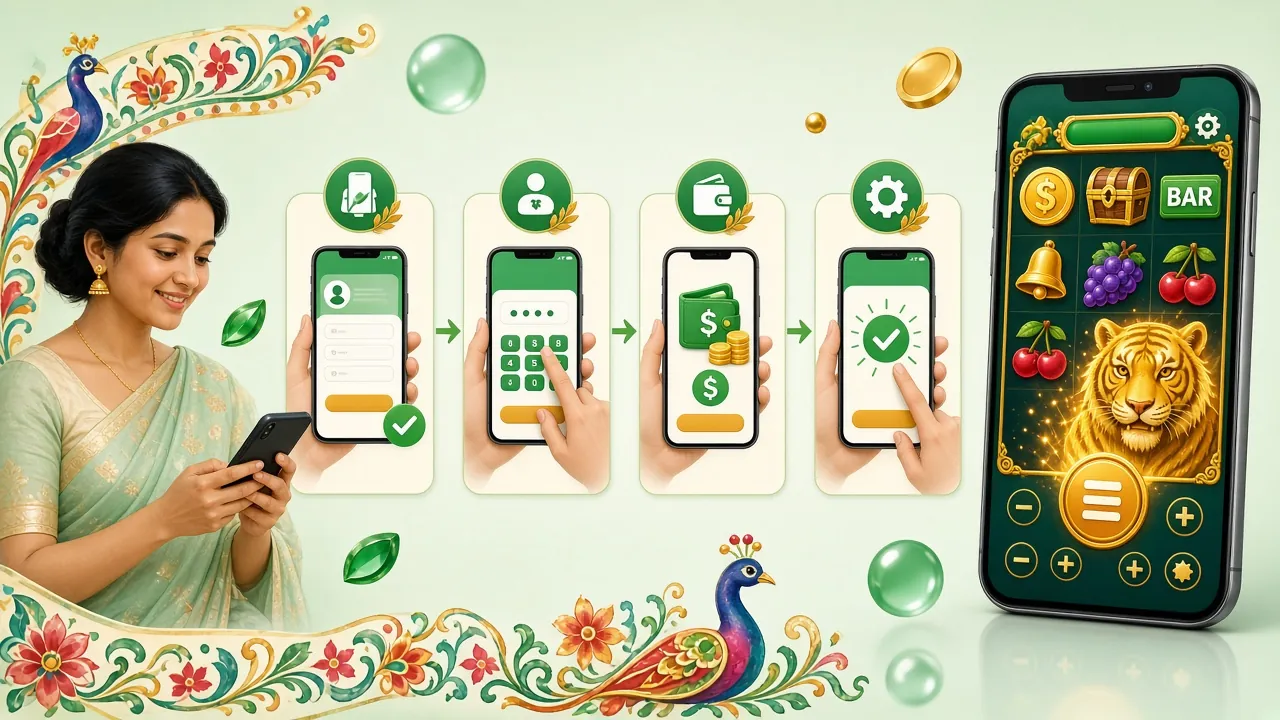
The whole job is a settings toggle, a download and one tap on the file. Nothing here needs a computer or a special tool.
-
Allow installs from your browser
Android blocks anything that does not come from the Play store. Open Settings, tap Apps, then Special access, then Install unknown apps, and switch on the browser you will use. You can switch it back off after the install finishes.
-
Download the file on the phone
Come back to this page in that same browser and tap Download APK. The package is 58 MB, so Wi-Fi is kinder to your data balance than mobile internet. Keep the screen awake until the download notification appears.
-
Open the file and press Install
Tap the finished-download notification, or find bdt23.apk in your Downloads folder. Android lists the permissions the app requests. Press Install and let the phone unpack it; most handsets finish inside a minute.
-
Open it and set permissions
Tap Open on the confirmation screen. The first launch asks for storage access so the lobby can cache artwork. Allow it, or skip and the games reload their art each session. Notifications for withdrawals are optional and can be enabled later.
-
Log in and open the cashier
Sign in with your usual number and password, or register if you are new. Balance, bonus progress and withdrawal limits carry over from the website at once. Existing players can also reset a forgotten password on the login page.
On an iPhone, add the lobby to your home screen
- Open the mobile site in Safari.
- Tap the share button, then Add to Home Screen.
- Name the shortcut bdt23 and confirm. The icon opens full screen with your saved login.
There is no iOS package to download, and nothing in the cashier or game lobby is missing.
Six Things the bdt23 App Does Well
Cricket without the lag
Markets load beside the score, and the bet slip keeps your picks while you move between overs. In-play prices refresh without the page jumping around, which matters in the last three overs of a tight T20 chase.
A lobby that remembers you
All 4,000 games from Habanero, Pragmatic Play, PG Soft, Evolution, JDB, Spribe and Red Tiger sit in one place, sorted by what you opened last. Recent tables stay on top, so you stop hunting through a search box every evening.
Cashier built for local wallets
bKash, Nagad, Rocket and bank transfer share one tab. Deposits start at ৳100 and usually land in 4 minutes. Withdrawals from ৳900 typically reach your wallet in 37 minutes, up to ৳65,000 a day at the entry level.
Crash and live tables on the move
Instant-round games keep their timing on mobile data, and live dealer tables resize to a phone, with the betting grid along the bottom edge. Turn the handset sideways when you want the full felt and the chip tray together.
Bonus and cashback, no hunting
The 170% first deposit bonus up to ৳28,500, the 20% reload and the 1.5% daily cashback sit under one rewards tab. A turnover counter shows how much of the 24× playthrough is left before you can withdraw.
Lighter on data than the site
Artwork, sound and game shells are cached after the first round, so repeat sessions pull very little from the network. A data-saving switch drops lobby animation entirely when your monthly package is nearly finished.

Dragon Hatch
PG Soft · RTP 96.4%

Royal Fishing
Spribe · RTP 97.7%
From the lobby, not a second app
Slots, fishing, crash and live tables open inside the same package. Nothing extra to install when you switch from reels to a dealer table.
Version, Size and Android Floor
| App detail | Value |
|---|---|
| Version | 2.2.6 |
| File name | bdt23.apk |
| File size | 58 MB |
| Minimum Android | 7.0 |
| Last updated | 13 November 2026 |
| Price | Free |
| Languages | English, Bangla |
| Install from | bdt23.cam only |
bdt23.apk · 58 MB
Signed package, version 2.2.6. Save it, tap it, install it.
Download APKKeep about 150 MB free on the phone so the unpack step has room. On Android 7.0 or older, use the browser lobby instead.
When the Install Stalls: Five Quick Fixes
Almost every failed install on Android comes down to one of these five things. Work through them in order before you write to live chat.
| What you see | Why it happens | What to do |
|---|---|---|
| "App not installed" | An older copy is already on the phone with a different signature, or the download broke partway and left a half file behind. | Uninstall the old bdt23 app, delete bdt23.apk from Downloads, then download the file again and install. Restarting the phone before the second attempt clears most stuck cases. |
| "Blocked by Play Protect" | Android scans any file that arrives outside the Play store and warns by default, even when the package is clean. | Tap More details, then Install anyway. If you would rather not bypass the warning, play in the browser lobby instead; the account and balance are identical. |
| Download stops around halfway | Mobile data dipped, the screen went to sleep mid-transfer, or free storage ran short. | Move to Wi-Fi, keep the screen on, clear a little space, then start the download fresh rather than resuming. A 58 MB file should take well under a minute on a stable line. |
| App opens, then closes at once | The handset runs an Android version below 7.0, or there is very little storage left for the first launch. | Check the version under Settings, About phone. If it is older than Android 7.0, the browser version is your route. Otherwise free space by clearing old videos and cached apps, then reopen. |
| Wallet window stays blank | The bKash or Nagad app refused the hand-off from the in-app cashier, often after an update to the wallet app itself. | Close the payment sheet, open the wallet app directly and finish the request there, then return to the lobby and refresh the balance. If it repeats, deposit from the browser. |
Still stuck after all five? Live chat runs 24/7 and can check whether the file reached our server from your number.
Questions Players Ask Before Installing
Is the bdt23 apk file safe to install?
Only when it comes from this page. The file here is the signed package we build, and Android checks that signature at every install. Copies shared in Facebook groups or Telegram channels can be rebuilt with extra code and will never match our signature. If your phone warns about an unknown developer, stop and download again from bdt23.cam.
Why does Android say the app is not installed?
Usually because an older copy already sits on the phone with a different signature, or the download broke halfway. Uninstall the old app, delete bdt23.apk from your Downloads folder, then download the file again and install. A restart before the second attempt clears the leftover lock most of the time.
How do I update the app when a new version is out?
Download the newer APK from the same button and install it over the old copy. Your balance, bonus progress and saved login stay, because the package name does not change. There is no auto-update outside the Play store, so check this page or turn on notifications to hear when version 2.2.6 is replaced.
Can I deposit with bKash inside the app?
Yes. The cashier carries bKash, Nagad, Rocket and bank transfer, with the same ৳100 minimum as the website. Tap the wallet, confirm the amount, and the wallet app opens for your PIN. Deposits usually clear in about 4 minutes, and withdrawals from ৳900 arrive in roughly 37 minutes.
Does the bdt23 app work on an iPhone?
There is no iOS package to download. iPhone players open the mobile lobby in Safari and use Add to Home Screen from the share menu, which gives a full-screen icon and keeps the login. Everything except the Android installer behaves the same, from deposits to live dealer tables.
How much space and data does it use?
The download itself is 58 MB. The installed app grows as games cache their artwork, and you can clear that cache from the profile tab whenever the phone starts feeling full. Repeat sessions pull far less data than the first one, because lobby art is already stored on the handset.
Do I need a new account after installing?
No. The app signs in with the same number and password you use on the website, and your balance, VIP tier and bonus turnover follow you across. If you have not joined yet, register first: a first deposit of ৳100 or more starts the 170% welcome bonus up to ৳28,500.
Put the bdt23 lobby in your pocket
The bdt23 app file is 58 MB and installs in about a minute on a normal 4G line. Download it, sign in with your existing details, and your first deposit from ৳100 starts the 170% welcome bonus up to ৳28,500.